

Olá viajante!
Bora viajar?
Bolívia, Chile, Peru e Bolívia em 20 dias! (Julho 2013)
- Respostas 64
- Visualizações 13.5k
- Criado
- Última resposta
Usuários Mais Ativos no Tópico
-
Rick rj 25 posts
-
JLAS18 9 posts
-
Aletucs 3 posts
-
Jackaomello 2 posts
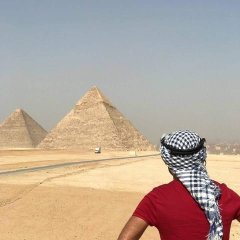


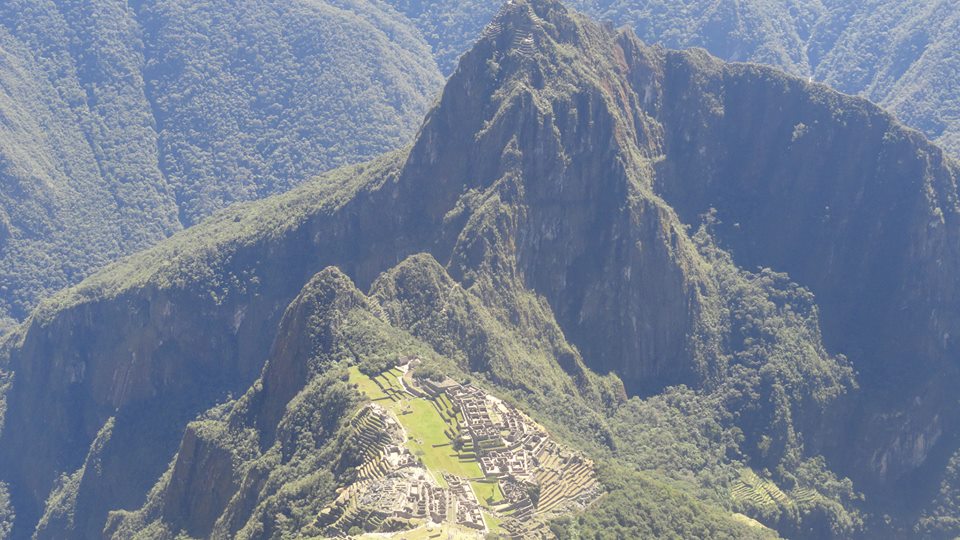
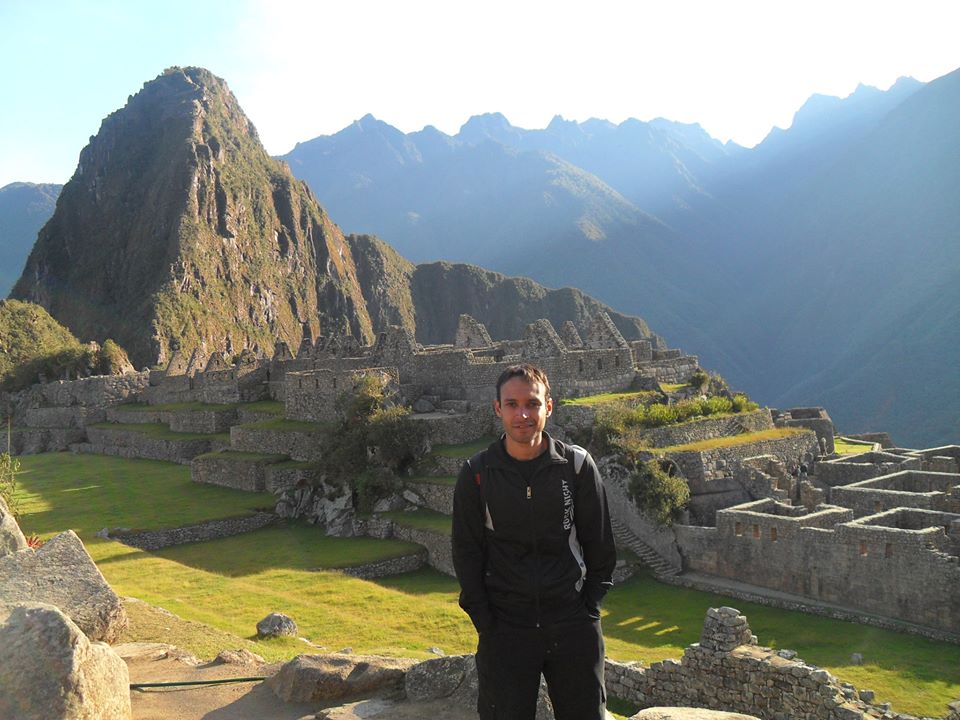
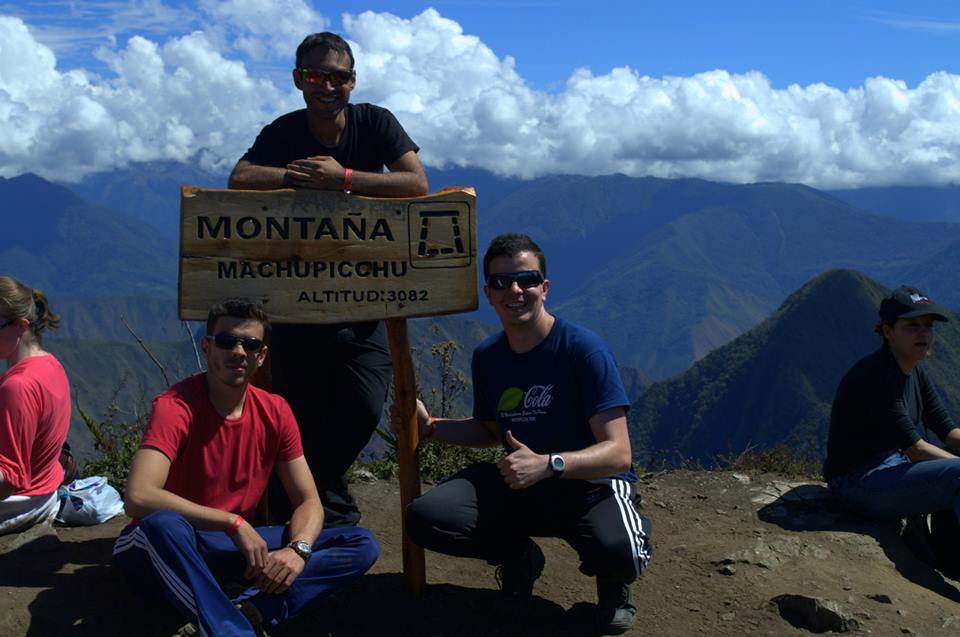

Cara, é difícil d+ escrever um relato de uma viagem que você não consegue explicar muito bem só descrevendo as experiências, que foram as melhores, e as amizades que tu faz, com pessoas iguais a você, com pessoas completamente diferentes de você e com pessoas que nem sua língua falam, mas a afinidade bate, e bate mesmo. Talvez por causa da euforia de fazer uma parada maneira, de compartilhar experiências, de falar das mancadas que acontecem, de beber a mesma cerveja ou de comer o mesmo ceviche ou ainda de passar mal por causa de uma sopa esquisita e de todo o resto. Mas o que posso dizer com toda a propriedade é que essa trip foi FODAAA!!!!
Quem que quando estudava os Incas na escola, nunca teve vontade de ir a MachuPicchu??? Bom, eu pelo menos sempre tive! E nem foi só pelo o que esses caras fizeram, mas por tudo dos outros países latinos, nossos vizinho, que não temos conhecimento, por toda a cultura dessas caras, que é foda, muito diferente da nossa!
Posso dizer que a Trip de fato começou em fevereiro numa sexta sinistra aqui em Gizdfora (Juiz de Fora), que peguei um plantão pequeno de 12h até às 8 da noite. Só queria chegar em casa e dormir e quando cheguei na minha rua descobri que tava tendo um bloco de carnaval (faltava uns 15 dias pro carná ainda) bem na esquina, bem debaixo da minha janela, e acreditem, nada pior que samba mineiro, ainda mais quando tu tá puto querendo dormir e não pode, um calor do cão e ter q deixar a ventana fechado por causa do samba ruim. Então restava a internet e pensei comigo..."vou pra MachuPicchu!!!" Caí direto aqui no Mochileiros e comecei a pesquisar os tópicos do pessoal que estava marcando de ir e tal, e fui estudando sobre os lugares que nunca tinha ouvido falar antes...
Li e reli o relato do Mauro umas 300 vezes, trocava ideia no face, enchi o cara de perguntas e pensava na viagem todos dias e todas as horas, as vezes nem trabalhava ficava aqui lendo os relatos e viajando nos sites das cidades e tal.
Ae, eis que surge, o Férnando lá de Salvador, procurando galera pra ir em julho, data perfeita pra mim: http://www.mochileiros.com/bolivia-chile-peru-bolivia-20-dias-julho-2013-t78988.html
Começamos a nos falar em março, e o cara e o Davi (Londrina), já tinha comprado as passagens da GOL pra Santa Cruz e tal, começamos a trocar ideia, facebook toda noite quase, tentando definir roteiro, decidi que ia com eles, afinando as datas de chegada ao Salar, Atacama, Arequipa...valores, passeios, documentos e tal.
Fim de março a Laura (Fortal) aparece falando que ia na mesma data com uma amiga. Blz, grupo de 5!
Inicio de abril passagens compradas pro dia 07/07. Como os vôos partindo do Galeão já estavam todos cheios, tive que comprar embarcando em GRU, paguei R$ 672,00 pelas passagens de ida e volta (27/07) hasta Santa Cruz de La Sierra!
Ae eis que aparece o Yago (Sampa) dizendo que ia com a gente, e foi mesmo, e a Bianca, uma amiga de uma amiga minha de Valença (minha terra).
E a gente sempre tava trocando mensagens no face e tal, todo dia praticamente.
Preparativos
Eu como bom brasileiro que sou, deixei tudo pra última hora
Em maio fui me preocupar com o passaporte (queria só pra ter mesmo). Fui ver aqui em JF, agendamentos só pra AGOSTO, liguei pra PF de VR City, (agendamentos só pra JULHO), Petrópolis ( sem agendamento), RioSul (nada), restava mesmo o GIG, agendamento pra 21/06, ou seja, prazo curto pra parada ficar pronta!!!
Ae pensei né, tenho que ir no Rio mesmo, já resolvo tudo lá mesmo, como ir na Decathlon e tomar a bendita vacina de Febre Amarela.
Blz, fui pro GIG tranquilo, semana de protestos, e o transito de boa de manhã. Fiz a parada do passaporte em menos de 1 horas na PF e com a entrega do passaporte pro dia 01/07 , fui na Anvisa , mas lá eles só emitem o cartão, não aplicam a vacina. Por mim blz, como tinha que ir na Decathlon (Barra), pensei, paro na Gávea, tomo a parada e vo pra Barra.
Fiquei só umas 2:30 na fila no Posto de Saúde da Gávea, já que era dia de vacinação infantil, pqp, foi foda! E do nada uma enfermeira apareceu correndo no corredor chamando uma outra enfermeira por que tinha acabado de sair notícia que ia ter protesto na Barra e iam fechar a Avenida das Américas Ae pensei...fodeooo!!! e fiquei na Gávea mesmo. Tomei a vacina, peguei o cartão e fui beber
Dia 04/07 fui finalmente buscar o passport e na Decathlon. Gastei não mais de 200 reais em segunda pele, camisa dry fit e fleece, lembro que o fleece foi 30 reais, mas o bagulho esquenta d+!!!
Finalmente dia 05/07, sexta ultimo dia de trampo antes das férias, e ainda era dia de treinamento, fiz o que tinha q fazer e fui no shops cambiar, na pior cotação dos últimos tempos, Dollar turismo a R$ 2.40, mas enfim, era o que tinha né. Já tava lá...
Saí de JF no sábado de manhã rumo a Valença, já que a sexta foi corrida, não tinha arrumado tudo na mochila ainda e perdi o buzão noturno. E faltava pouco pra tão sonhada viagem, e preparando as músicas, as roupas, preparando o sonho e nada de sono.
Ae fiquei no skype com o Yago vendo o que cada um estava levando e lembrando dos básicos..tipo papel higiênico, cortador de unha, pente etc. Quando deu 6 da matina acordei desesperado porque o buzão era às 7. Colekei a cargueira nas costas, a ataque na frente e partiu Valença!!!
Cargueira:
1 par de havaianas (que todos os gringos de fato conhecem!)
4 pares de meia (que ficaram todos pra lá)
1 calça segunda pele
3 jeans ( 1 pra estragar, e 2 sei lá pra quê, mas foram úteis)
1 calça napa
1 par de tênis de trekking
1 par de sapatos normais
7 cuecas
1 sunga (águas termais é claro)
2 camisas dry fit
5 camisas comuns
1 blusa segunda pele
1 fleece
1 blusa de lã (nem precisei usar)
1 japona (só usei 2 vezes)
2 casacos de malha (muito quentes)
*Nem vou listar as coisas de uso pessoal, porque não dá pra viver sem...e pra não esquecer, foram as primeiras coisas pra mochila de ataque!
Dia 06, sábadão, tava eu e Bianca saindo de Valença rumo a Volta Redonda, onde meu irmão foi encontrar comigo na rodo antes do buzão pra Sampa. Ae foram os primeiros 450 km da viagem.
Chegamos no Tiête umas 5h da manhã e o Yago ia passar com o Davi e a Alessandra (amiga dele) umas 7:30 mais ou menos pra levar a gente pro Tietê. Todos no carro e partiu GRU! Lá encontramos com o Cristian ( que chegou pr ultimo no grupo, quase no dia da viagem já) e com a Laura e Talita dentro do mesmo buzão pro embarque na remota e começou a festa ali mesmo com a gente chamando na Vodka que compramos no DutyFree.
Sentamos no fundão do avião, numa fileira estava eu, um brasileiro doido que trabalha em Santa Cruz e a bianca, rindo a viagem toda e uma boliviana no banco de trás bolada com a gente, na do outro lado o Davi e o Yago e o restante da galera mais pra frente.
Santa Cruz de La Sierra e a Tripa!
Chegamos em Santa 15h e um calor do cão, tipo o de Brasília durante o dia. Depois da imigração no ViruViru, que é sinistra onde o alarme fica vermelho a cada 10 pessoas que passam pelo scanner, fomos direto procurar passagens pra Sucre na mesma tarde, mas os voos já estavam lotados, então compramos pra segunda 9h pela BOA. Passagens compradas por 328 bob + 63 bob de taxa, tomamos nossa primeira Huari, já que o brasileiro que estava com a gente no voo disse que era melhor que a Paceña (nesse momento comecei a desconfiar desse cara . A Huari é boa, mas a Paceña de fato é muito melhor! E como não podia deixar de estar, a cerva tá quente d+ pra uma cidade quente!
Fomos cambiar um pouco das dolletas no aero mesmo, 6,80 a cotação!
Fomos os 7 atrás de um taxi. Entramos todos em um que o moto era meio doido, mas gente boa. 70 bob até o Jodanga é claro!
20 km do aero até o jodanga.
Chegamos no famoso em uns 20 min. Na divisão de quartos, Laura e Talita quiseram ficar num quarto de casal (sacanagem
  ) e a gente num quarto com uma italiana e uma alemã gente boa. No fim da noite chegou um israelense que combateu no exército e agora estava querendo paz!
Blz, jogamos as mochilas na cama, colocamos a vodka em um copo com coca (Cola) e caímos na piscina. Depois fomos dar um rolé na cidade, e já tava fazendo um certo frio (típico de Brasília na noite), e o Jodanga não mal localizado como dizem. Basta ser mochileiro de verdade e explorar o terreno Saímos andando e fomos parar num posto de gasolina onde compramos a primeira paceña, e que delícia de cerva, pqp! Aproveitei e comprei o saco de folha de coca
  e umas pastilhas de coca tbm, além de uma trochinha de pano de uns 3 cm mas bem gorducha com folha picada dentro, que segunda a mulé q vendeu era pra deixar na boca e esquecer, mas era sinistro o bagulho ( no fim da viagem aquela porcaria ia dar o que falar).
Localização do posto de coca e da tripa - numa rua bem movimentada, como muitas barraquinhas e alguns restaurantes fuleiros, mas no caminho tem uns muito bons!
Paceña de lei!
Logo depois fomos procurar um lugar pra comer, e eu queria comer algo típico na rua mesmo. Acabamos numa barrinha bem fulera, mas o prato tava bonito, com salada, arroz com creme de milho, linguiça, bife e um troço esquito que parecia queijo, a gente cortava o queijo e nada, então perguntamos e a cozinheira disse que era tripa de vicuña, tamo aqui, vamo comer né! Agora pensa num bagulho ruim, mas ruim de verdade, era essa tripa . Cara, era encostar na boca e vomitar, pqp q troço doido!!!
Comemos e voltando andando pro hostel, tomei um banho como se fosse o último da vida, ou pelo menos o último banho de verdade em um bom tempo.
Acordamos cedo, ee na correria deixei a garrafa de vodka ainda cheia no sofá da recepção e fomos correndo em 2 táxis pro ViruViru. Todos foram pra sala de embarque e não lembro o que estava fazendo, só sei que quando ouvi meu nome sendo anunciado saí correndo pro embarque.
Era um 737 até bom, mas a Bianca cismou que tava com cheiro de queimado no avião e perguntei pra aeromoça e ela disse q não era nada e ficou rindo da nossa cara...
Próximo destino: SUCRE!!!
OBS.:
Infelizmente, mas infelizmente o Fernando, o cara que juntou todo mundo aqui no mochileiros, não pode ir na viagem por motivos pessoas, mas Fernando, como te disse cara, tu tava com a gente lá parceiro!!! :'>
:'>
- Santa é uma cidade boa, muito parecida com as cidades do Centro-Oeste, agropecuária bem desenvolvida, ruas amplas...
- Levem tudo em Dollar.
- Conversem com todo mundo que encontrar pela frente!
- F da-se os problemas.
- Não abram e-mails do trabalho ( Abri o meu no Jodanga só pra avisar aos meu diretores o dia da minha volta).
Gastos básicos, as bebidas são outros 500:
Antes da viagem = passagens da GOL + Decathlon + coisas pessoais + bus p/ GRU = R$ 900,00
Taxi ViruViru - Jodanga = 10 bob
Jodanga = 60 bob
Tripa = 15 bob
Jodanga - Viru = 18 bob (4 pessoas no taxi)
Passagem hasta Sucre = 391 bob
Café da manhã no caminho do aero = 10 bob
Editado por Visitante