

Olá viajante!
Bora viajar?
BONITO - 5 dias - JAN/2017 - Fotos e Preços.
- Respostas 21
- Visualizações 15.3k
- Criado
- Última resposta
Usuários Mais Ativos no Tópico
-
karinerribeiro 5 posts
-
canguruj 3 posts
-
kel2011 2 posts
-
Raquel@sena 2 posts


Dias com mais postagens
Posted Images
Featured Replies
Conteúdo Similar
-
- 0 respostas
- 442 visualizações
-
- 13 respostas
- 4767 visualizações




Oláaa, amigos! Voltei recentemente da minha trip pra Bonito-MS e vou relatar um pouquinho como da pra curtir uma semana lá gastando pouco.
Dia 18
Sai do RJ rumo a Campo Grande/MS, com conexão em SP, normal.
Fui pela Azul e paguei R$380 ida e volta com taxas.
Cheguei no aero de Campo Grande 18h. Lembrado que em Bonito é -1h do Horário de Brasília, então, atrasem seu relogio, hehehe.
Peguei o transfer da Vanzella até Bonito, trajeto de 4h de onibus. ô chão...
Cheguei no Hostel por volta de 00:30h, exausta e direto rpa cama porque no dia seguinte já tinha passeio a ser feito.
Escolhi para ficar no São Jorge Pub e Hostel, 6 diárias custaram R$168. Mas lá, por ser um Pub na frente (e descobri depois que BEM famoso na cidade) é musica alta e animação. A música reflete nos quartos, você no começo estranha, mas depois acostuma (eu, pelo menos), então se você ta a procura de tranquilidade, passe longe :'>
:'>
Dia 19 - 1º dia.
Fechei todos os meus pacotes com a Bonitour. Foram 5 passeios e paguei no total de R$860, com transporte incluido. O valor pode ser depositado no total e 30% e depois pago na agência e parcelado em até 3x sem juros.
As 07h a van passou no Hostel rumo ao primeiro passeio: Boca da Onça..
Fica a 01:30h do centro de Bonito e aproveitei pra dormir mais um pouco, hehe. O passeio era o dia todo e tinha almoço incluido.
Chegamos lá, e tinha um café da manha pra quem quisesse tambem. A trilha é cansativa pra quem não ta acostumado, mas compensa a cada cachoeira parada.
A cachoeira mais famosa, a do Macaco eu infelizmente não consegui tirar foto, mas fica ai o mistério do quao legal e linda ela é, hahaha.
AH, muito importante, essa viagem pra bonito, fui na cara e na coragem por: não sei nadar
Desde já, adianto que foi tudo MUITO tranquilo e em momento nenhum passei perrengue, vão sem medo. Tudo lá tem coletes salva vidas, amei!
Voltamos pela trilha e chegamos no almoço por volta de 15h, tudo foi servido muito bem e tudo muito apetitoso.
A noite, conheci a Murielli no hostel, e decidimos tomar uma cervejinha no Pub, que fica em frente. Ficamos ate as 3h hahahah
Dia 20 - 2º dia
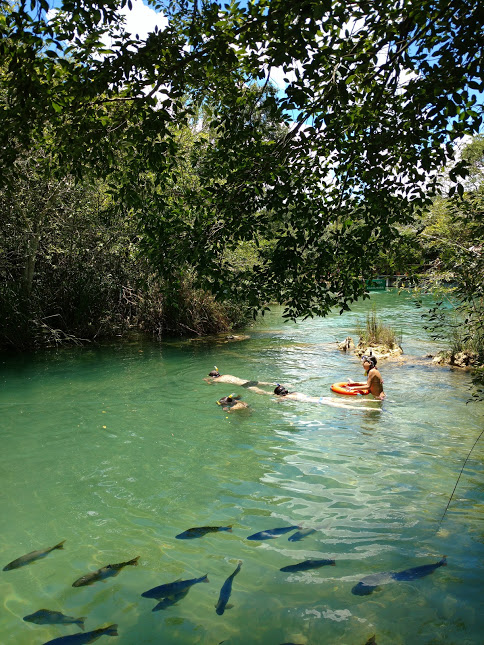
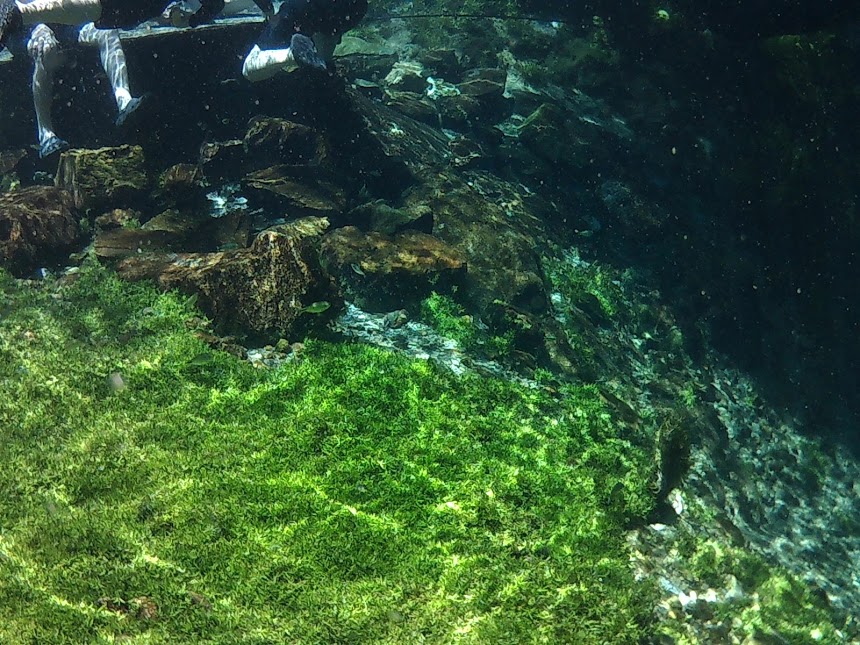
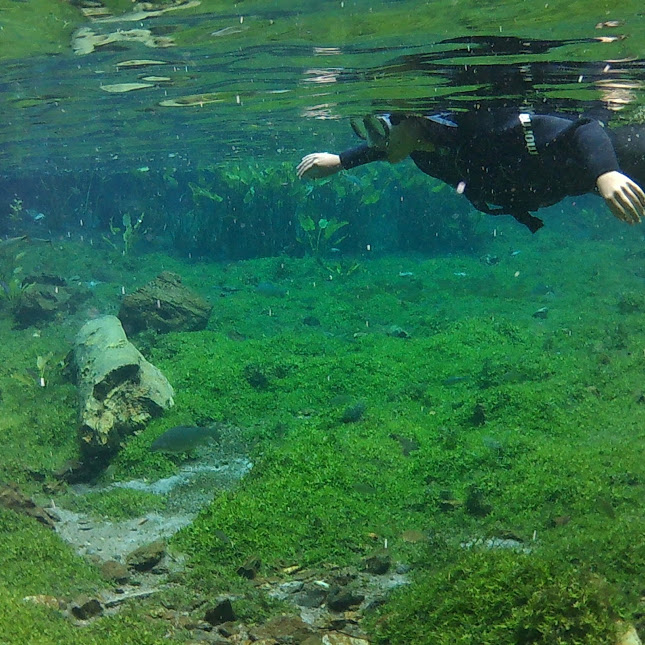
Dia de Flutuação no Aquário Natural, adianto que foi o melhor passeio ao meu ver, é rapido mas lindo demais.
Chegamos por volta de 9h por lá e logo seguimos para por a roupa especial e um leve treinamento na Piscina. Tudo ocorreu mais tranquilo que eu imaginei, já tinha tido uma experiencia de mergulho com cilindro, então me familiarizei rapido ao snorkel. Seguimos em uma trilha tranquila até o começo da flutuação. Aguas cristalinas e muitos peixinhos.
O passeio acabou por volta de 11:00h e o motorista me levou direto ao Balneário Municipal, meu segundo passeio do dia.
Lá é aquele lugar pra passar a tarde em familia, nadando, fazendo um pic nic, descansado na sombra ou nas redes disponiveis em um cantinho de lá.
A noite, depois de umas horas de descanso, fui comer no Taboa Bar, um bar bastante conhecido de Bonito e com um ambiente super agradável. Musica ao vivo e ambiente muito acolhedor. Todas as paredes, movéis, tudo, tem nomes e recados de todo mundo que já passou por lá, incrivel.
Dia 21 - 3º dia
Um dos passeios com parada obrigatória em Bonito, foi dia de Gruta da Lagoa Azul, o passeio é bem rapidinho e lindo de viver.
A noite, fui dar uma volta pela cidade, que é bem pequena e rapidinho cê ve tudo.
Depois, acabamos em uma festa que tava tendo no restaurante La Bonita, valeu a experiencia, mas o povo era meio paradão, acabamos de volta no Pub que tava mais animado, hehe.
Dia 22 - 4º dia
Dia de Flutuação na Nascente Azul, o segundo melhor passeio, na minha opinião.
Chegamos cedinho por lá, nosso grupo era o de 09:20h mas com os atrasos saimos quase 09:40h pra trilha rumo a flutuação. A guia foi a Angela, um amor de pessoa.
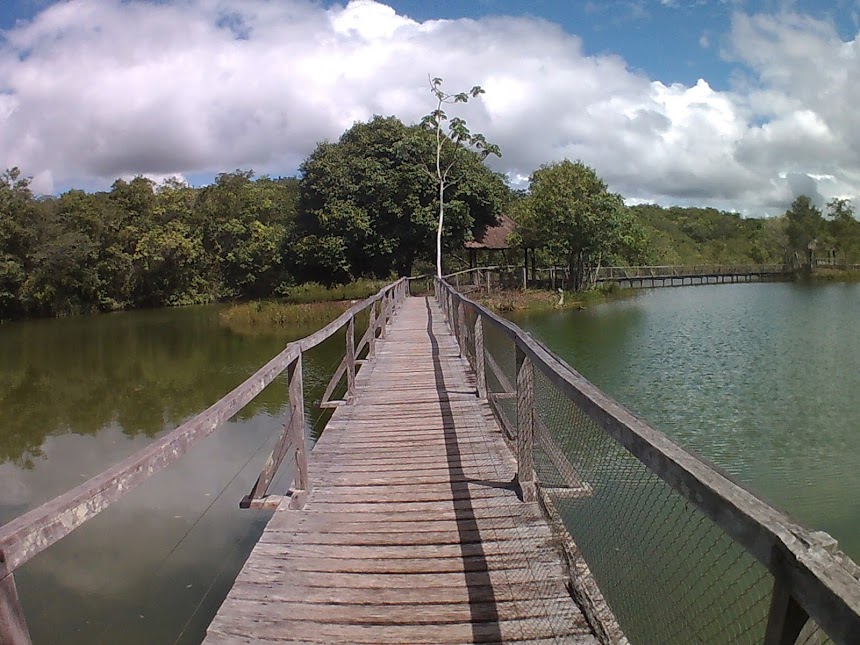
A andada é bem gostosa, por uma trilha de madeira super tranquila.
Depois da volta da Flutuação você pode curtir o dia inteiro ainda na Nascente, que oferece um Rio, uma piscina de agua doce e tirolesa a vontade pra curtir o resto do dia.
Dia 23 e 24 - 5º e 6º dia
Dia de descanso, andar no centro, almoço e ficar conversando com o pessoal no hostel. Pessoal ficou noite afora bebendo, ouvindo musica e conversando, pra mim, não tem nada mais legal e divertido que ouvir diferentes pontos de vistas e histórias de gente que passa brevemente pela sua vida.
Dia 24 o transfer iria passar no hostel as 10h pra me levar de volta a realidade.
Resumindo, só cheguei no RJ por volta de 01h, dureza, mas que a gente deixa pra lá.
Bonito é uma cidade muito gostosa, aconchegante e que você faz da sua casa em um dia.
Alguns dos passeios que depois de estar la, ouvir relatos e pesquisar eu recomendaria que vocês fizessem.
Aquario Natural, Rio da Prata, Nascente Azul, Gruta do Lago Azul, Estancia Mimosa e Rio do Peixe.
Pra preencher algumas tardes, recomendo a ida ao Balneario do Sol e boia cross.
Tabelinha de Preços resumida:
AERO RJxCampo Grande R$380
Trasfer Campo GrandexBonito R$200 (deem uma olhada no grupo do facebook "Caronas Bonito" é uma boa que eu não conhecia.
Sao Jorge Pub e Hostel R$168
Passeios com transporte R$860
Gastos extras como alimentação, bebida etc. R$250
TOTAL (Fora Passagem que pode variar) R$1470.